BookBloom AI
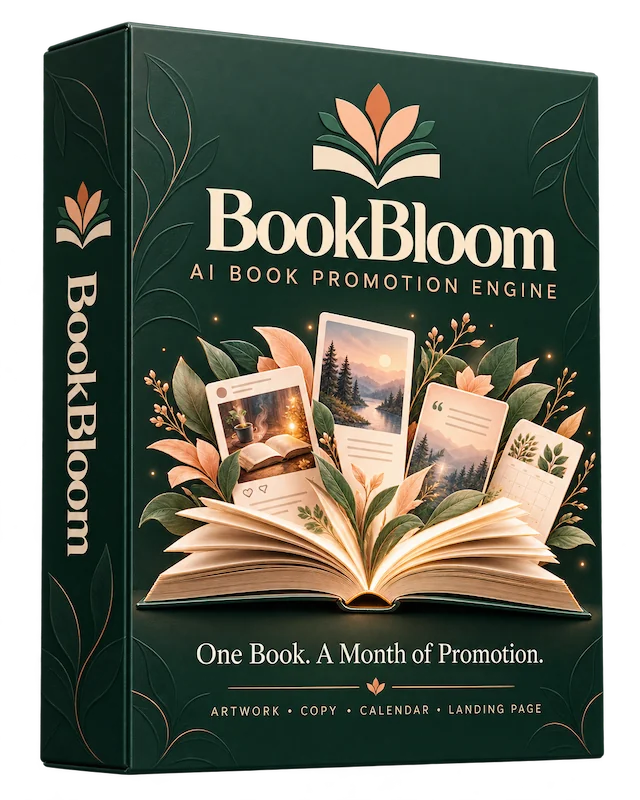
BookBloom AI turns an Amazon book link into a 30-day Pinterest plan, artwork and book page.
Pinterest affiliate marketing sounds simple on paper: find a product, make a pin, send the click to Amazon. In practice, every campaign means researching the product, writing copy, designing images, choosing keywords, building a page and scheduling it all, and doing it again for the next product. That workload is where most people give up.
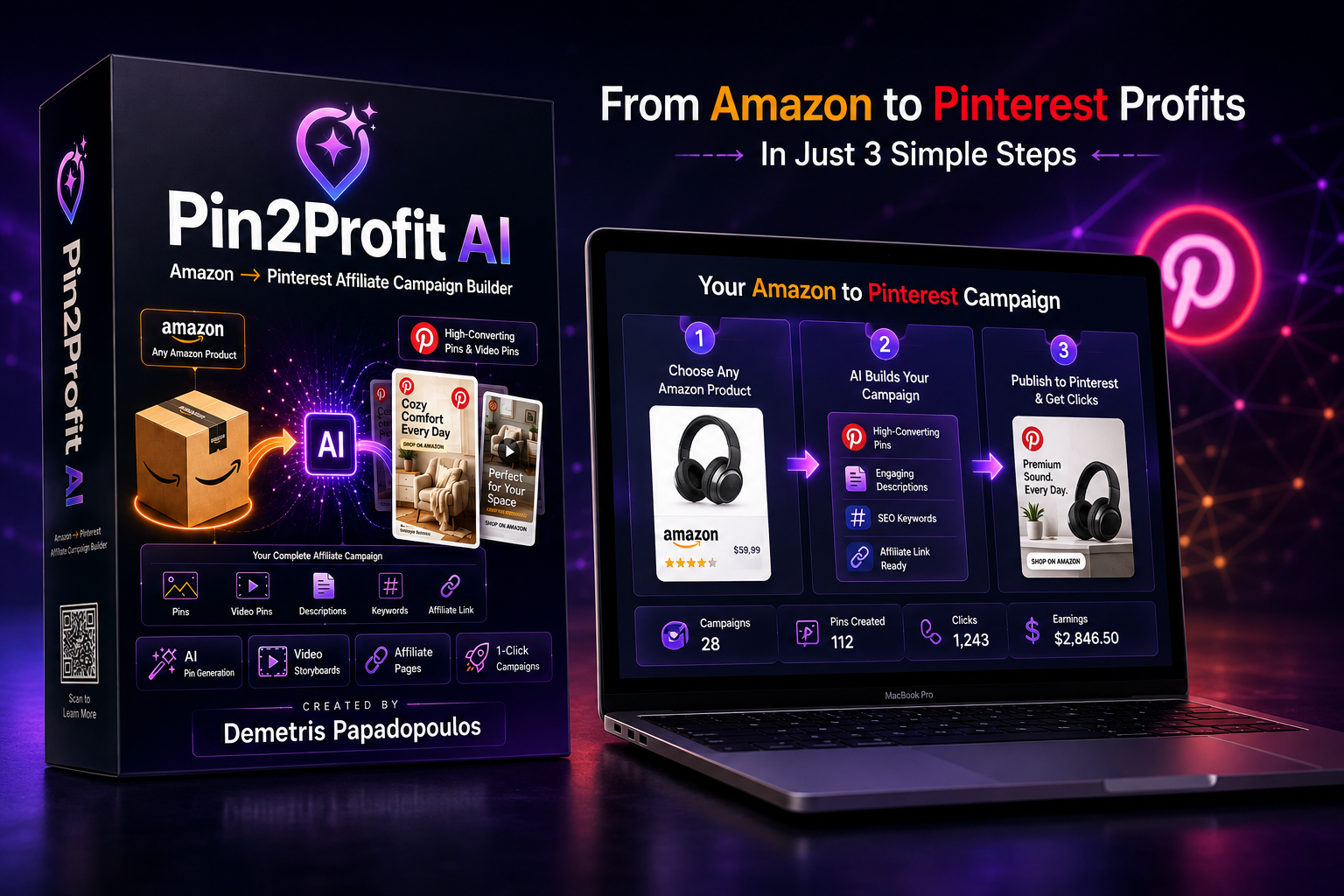
Pin2Profit AI is a cloud-based software platform (SaaS-style, not a course) built to automate that workflow for Amazon affiliates. You paste an Amazon product link, or grab it with the Chrome extension, and the tool builds a campaign around it: promotional angles, pin images, headlines, descriptions, keywords, video pin concepts, an affiliate page and a posting schedule. The vendor calls it a campaign factory rather than just another AI image generator.
The front-end version includes an Amazon product analyzer, an AI campaign strategist that suggests several angles for one product (gift, problem and solution, lifestyle, showcase, list style, seasonal and comparison), AI pin generation, an AI pin copywriter, the one-click campaign builder, an affiliate page builder, a Pinterest account setup assistant, a seven-day scheduler, analytics import and an asset library. One AI video pin per campaign is included, and unlimited video pins sit in the Pro Suite upgrade.
The model behind it is straightforward. Pinterest supplies the traffic, Amazon handles the sale, and you earn a commission through your own Amazon Associates account. The vendor is clear that results are not guaranteed, and the page carries an earnings disclaimer saying shown results are not typical.
One cost point matters before you buy. You bring your own AI keys, and image generation is billed by the provider. The sales page states about 7 cents per pin image on a Google key, and about 80 cents for each 8 second video clip. Text generation is described as free on Google’s free tier. That means the $27 front-end price is not the whole running cost if you generate a lot of pins.
Pin2Profit AI is released by dpapa on WarriorPlus. His profile lists him as CEO at Limitless Passion Ltd, an accredited entrepreneur from Central Michigan University who provides online marketing solutions and training in the internet marketing niche, based in Greece.
The WarriorPlus profile shows a member since September 2014, 8,863 followers, 38,113 sales, 391 ratings and 13 products. These are marketplace profile figures and change over time. Other products listed include BookBloom AI, CommissionOS, TrafficWave Generator 3.0, LaunchMate AI, MemeCoins Cracked and Trafficzion.
The JV page also says he has promoted other vendors’ products on JVZoo and WarriorPlus for over a decade. That is the vendor’s own account and has not been independently checked. Support is described as email from inside the app, with monitoring of campaigns and publish failures.
It breaks a product down by what it does, who may want it, the problems it solves and possible audiences.
Benefit: You get a marketing view of the product without doing the research yourself.
One product can become several campaigns, such as gift, problem and solution, lifestyle, list style, seasonal and comparison.
Benefit: You can promote the same product in different ways instead of repeating one pin.
It creates Pinterest-style graphics in several styles, plus headlines, titles, descriptions and calls to action.
Benefit: You avoid design tools and blank description boxes. Image costs depend on your own AI key.
The tool generates vertical video pins with hooks and text overlays, using your chosen video provider. The front end includes one video pin per campaign, and unlimited video requires the Pro Suite upgrade.
Benefit: You can add video to your pin mix without editing software.
It builds a supporting content page around the product, such as a gift list, instead of sending traffic straight to Amazon.
Benefit: Your pins link to a page that gives visitors context before they click through.
Pins can be spread across a schedule with unique link slugs and spacing between posts, and exported as a Pinterest CSV for bulk upload. The front end schedule is described as seven days at 5 pins a day, while the Pro Suite adds 7 to 30 days and up to 10 pins a day.
Benefit: One file uploads a whole campaign.
The setup assistant suggests an account name, bio, boards and a pinning plan. Analytics import matches your Pinterest data to your pins.
Benefit: Useful for new accounts and for seeing which pins bring clicks.
The Keyword Engine and Pinterest trend tools are listed on the sales page, but the JV page places Pinterest Trends and the Keyword Engine inside the Intelligence Toolkit upgrade, so confirm what the front end includes before buying.
Pin2Profit AI runs in the cloud, so there is nothing to install. You connect your own AI keys. The page mentions Google for text and images, Google Veo or Replicate for video, and OpenAI or Anthropic options as alternatives. Image and video use is billed by your provider.
Paste any Amazon product URL, or capture it with the Chrome extension. The tool pulls the product details and analyzes the product.
One click builds the campaign: promotional angles, pin images, headlines, descriptions, keywords, video pin concepts and an affiliate page. You review the results and adjust what you want.
If you are starting from scratch, the account setup assistant suggests a name, bio, boards and keywords. You can also connect an existing account through the Pinterest sign-in. The vendor states the integration uses official Pinterest OAuth and says the app is approved for Pinterest API access. The front end allows up to 5 Pinterest accounts according to the sales page, while the JV page says 1 account, so check this before buying.
The scheduler spreads pins across days with spacing between posts. You then download the pin images and the Pinterest CSV, or copy the descriptions, and upload the file through Pinterest’s import tool.
Start pinning, then import your Pinterest analytics CSV back into the app to see impressions, saves and outbound clicks matched to each pin. The app also links to your Amazon Associates dashboard, where your commissions are tracked.
Plan for a short learning period. You will need an Amazon Associates account to earn from the links, a Pinterest account, and your own AI keys. Once those are in place, building a new campaign is meant to take a few minutes. The tool saves the production work, while choosing products and posting consistently remain up to you.
Pin2Profit AI is aimed at people who want to earn Amazon affiliate commissions through Pinterest without building every campaign by hand.
If you already have an Associates account but little traffic, the tool turns product links into campaigns with pins and a supporting page.
The account setup assistant and the guided workflow suit beginners with no audience, although you still need to learn Pinterest and Amazon program rules.
Pinterest can send visitors to your pages, and the affiliate page builder and scheduler reduce the content production load.
The one-click builder is meant to keep each campaign short, which suits people working in spare hours.
The Agency upgrade adds client acquisition training and a client dashboard, so this is not part of the front end.
It may not suit you if you do not want to pay for AI image and video usage on top of the software price, or if you expect results without posting consistently. You are also responsible for following Amazon Associates and Pinterest policies, and the vendor states this clearly. Finally, the platform is built around Amazon products, so it is not designed for promoting other types of offers.
The main appeal of Pin2Profit AI is that it joins several separate jobs into one workflow. Product research, angles, images, copy, keywords, an affiliate page and scheduling normally need different tools, and here they come from a single pasted link.
It is focused on one traffic method. Many AI tools are general purpose, while this one is shaped around Amazon affiliate promotion on Pinterest, including a CSV export formatted for Pinterest bulk upload and per-pin analytics import.
The front-end price is $27 one-time with no subscription, and the vendor describes lifetime access. Bring-your-own keys mean you pay providers directly for images and video, which gives you control over cost and provider, though it does add an ongoing expense.
The affiliate page builder is a useful differentiator, since it supports the content-first approach of sending visitors to a helpful page instead of straight to Amazon.
Support is described as email from inside the app, plus monitoring that detects stuck campaigns and failed publishes and emails you a summary. These are the vendor’s descriptions, and response times are not specified. A 30-day money-back guarantee backs the purchase.
The honest caveat is that traffic and commissions depend on your products, your content and your consistency. The vendor shows account screenshots, but the page itself says the results are not typical, so treat them as examples and not as a forecast.
One-time payment, described as lifetime access with no subscription. It includes the product analyzer, campaign strategist, pin generation, copywriter, one-click campaign builder, affiliate page builder, account setup assistant, seven-day scheduling, analytics import, an asset library and one AI video pin per campaign. The sales page also says the launch price was frozen at $27 and mentions a later price of $97, so check the current price on the checkout page.
The JV page says every upgrade is offered only to people who have bought the front end first.
Adds unlimited video pin generation, 10 Pinterest accounts, unlimited affiliate pages, 7 to 30 day scheduling at up to 10 pins a day, and automation features.
Pinterest trends, the Keyword Engine and an intelligence dashboard.
Done-for-you templates plus evergreen and seasonal product lists.
Pinterest ads training, an AI ad campaign generator and one-click tools to promote pins as ads.
Client-getting training, a client acquisition hub with AI proposals and outreach scripts, a client dashboard and one-click pin-to-ad for clients.
Unlocks all five upgrades at once. It does not include the front end, so the base product is a separate purchase.
None of the upgrades appear to be recurring according to the information supplied, but AI image and video usage is billed by your providers regardless of the plan. Start with the front end and add upgrades only if you need those features.
It is a cloud-based tool that turns an Amazon product link into a Pinterest affiliate campaign, with pins, copy, keywords, video pin options, an affiliate page and a schedule.
No existing account is required. The setup assistant helps you create one, and you can also connect existing accounts. The number of accounts allowed on the front end differs between the sales page (up to 5) and the JV page (1), so check before buying.
The model earns commissions through Amazon Associates links, so you will need an Associates account to be paid. The vendor says you are responsible for following Amazon and Pinterest policies.
Yes. You bring your own AI keys, and the sales page states roughly 7 cents per pin image and about 80 cents per 8 second video clip. Text generation is described as free on Google’s free tier. The JV page still mentions free image generation, but the sales page says the free tier for image models was removed.
It is designed to be, with a three-step workflow of pasting a link, clicking generate and exporting. You will still need to set up AI keys and learn the basics of Pinterest.
No. The front end covers the core workflow. Upgrades add unlimited video pins, more accounts, trend tools, templates, ads training and agency features, and they are only offered after the front end is bought.
A 30-day money-back guarantee applies. The sales page says to email the vendor for a refund if it does not work for you. Refund requests go to the vendor, not WarriorPlus.
The vendor describes an official Pinterest integration with board sync and campaign assignment, and also a CSV export for bulk upload. The exact posting options are not fully detailed in the information supplied, so check the app demo.
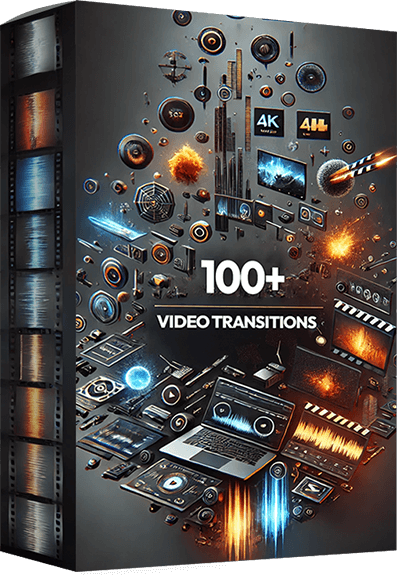
Enhance your video editing arsenal with a versatile collection designed to elevate your storytelling. This meticulously assembled pack features over 100 high-quality transitions, available in both 4K and 1080p resolutions, complete with impactful sound effects (SFX) to seamlessly integrate into your projects. From dynamic swipes and sophisticated particle effects to immersive sound-enhanced transitions, each element is crafted to provide a smooth and engaging narrative flow.
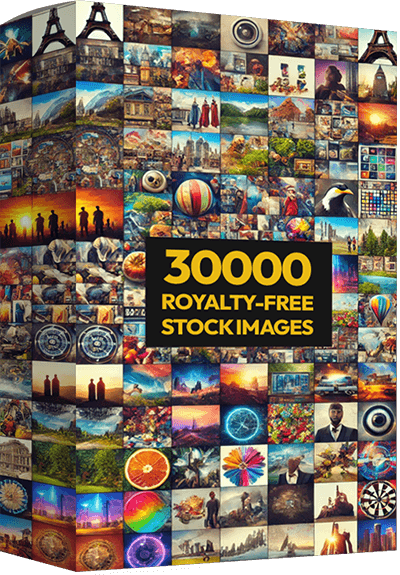
This meticulously curated library features a vast range of high-resolution images spanning diverse categories—from breathtaking landscapes and bustling city scenes to diverse lifestyle portraits and cutting-edge technology shots. Ideal for designers, marketers, and content creators, these images are perfect for enhancing websites, marketing materials, presentations, or any project needing a visual boost.
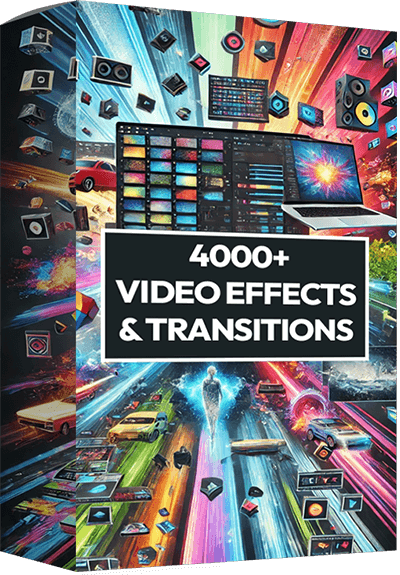
Elevate your video projects with our extensive collection, “4000+ Video Effects & Transitions.” This dynamic library is designed for filmmakers, video editors, and content creators who seek to transform their footage into cinematic masterpieces. It includes over 4000 high-quality effects and transitions, ranging from sleek wipes and colorful overlays to innovative particle effects and cinematic filters. Each effect is crafted to add depth, motion, and visual interest, helping you to craft engaging narratives and stunning visuals with ease.
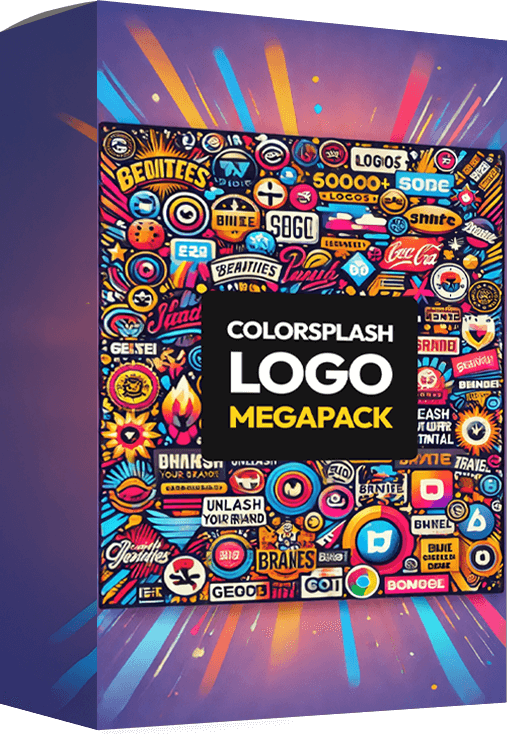
This extensive collection offers a spectrum of artistic, playful, and bold logo designs, perfect for businesses of all sizes seeking to inject personality and style into their branding. From startups to established companies, these logos provide the versatility and high impact needed to capture attention in any industry. Each logo in the MegaPack is crafted to be adaptable, ensuring you can find the perfect match for your business identity. Unleash your brand’s potential with a splash of color and a burst of creativity, only with the ColorSplash Logo MegaPack!
– Purchase Pin2Profit AI on this page.
- Your bonuses will be automatically delivered inside your JVZoo or WarriorPlus customer portal.
- If for any reason you experience any issues accessing your bonuses, we’ve got you covered! Simply visit our Claim Bonuses page, fill out the form, and we’ll assist you with accessing your bonuses.
We want to make sure you receive everything you’re entitled to, so don’t hesitate to reach out if you need any help!
Pin2Profit AI is a focused tool for Amazon affiliates who want to use Pinterest without building every campaign manually. A pasted product link becomes angles, pins, copy, keywords, an affiliate page and a posting schedule, with a Pinterest CSV ready for upload, for a $27 one-time front-end price.
Its strongest points are the all-in-one workflow, the content-page approach and the guarantee. The trade-offs are also clear: AI image and video usage costs extra through your own keys, bigger limits and unlimited video need the Pro Suite, a few details differ between the sales and JV pages, and results depend on your own consistency, not on the software alone.
If you already use Amazon Associates, or plan to, and want to cut down the production time per campaign, it is worth a look. Check the current Pin2Profit AI offer here and confirm the account limits and price before choosing any upgrades.
8.4/10!
Explore latest products of the day from WarriorPlus and JVZoo